See your debt-free date before you commit.
Runway’s payoff engine maps how your balances, minimums, APRs, and extra payments change the finish line.
 Runway
Runway helps you compare debt snowball and avalanche strategies, test extra payments, track your progress, ask grounded Copilot questions, and see your projected debt-free date in one month-by-month plan.
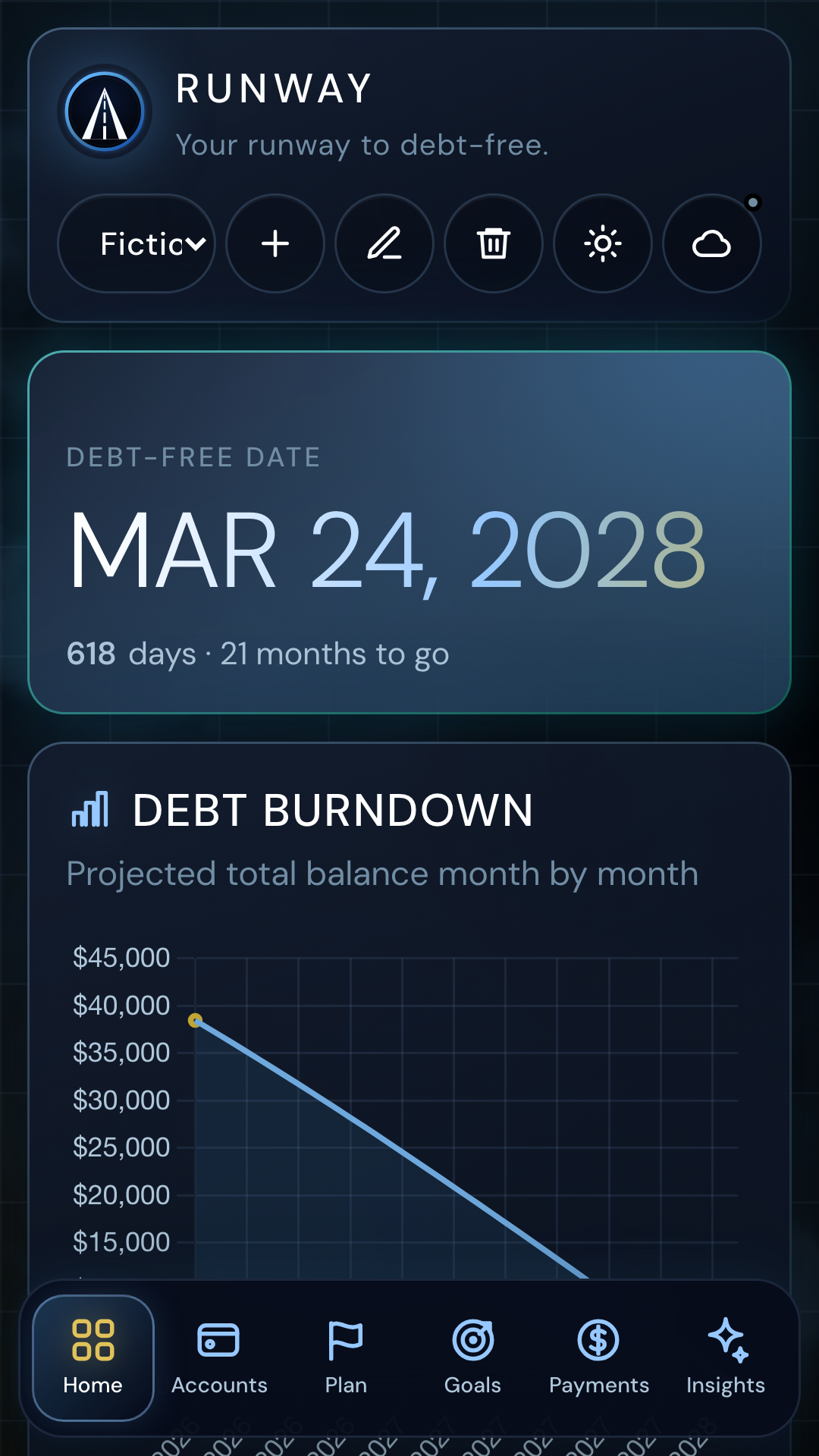
Runway’s payoff engine maps how your balances, minimums, APRs, and extra payments change the finish line.
Use the same inputs to compare emotional momentum, interest cost, and payoff timing side by side.
Track confirmed payment amounts and dates while keeping control over what you share with the app.
Copilot interprets your plan context, while Runway’s own payoff engine remains the authority for balances, dates, and scenario results.
The public Runway site now gives visitors a direct path into calculators, strategy explanations, Copilot capabilities, and trust pages instead of forcing them into a sign-in-first product surface.
Free acquisition tool around balances, APRs, minimums, and payoff timelines.
Explain how Runway Copilot interprets plan changes, progress, and refinance questions.
Strategy comparison page tied directly to Runway’s product behavior.
Goal-oriented page for visitors who want a payoff target first.
Tracking-focused page for users who already have a plan and need follow-through.
Debt payoff planning is a high-trust topic. The public site now points visitors to a clear methodology page, security information, pricing terms, and product-authored guidance under Eisen Labs / Runway product authorship.
Runway does not present itself as a licensed financial advisor. The public site explains the product’s calculation behavior, planning assumptions, and data boundaries so users can evaluate how the tool works.